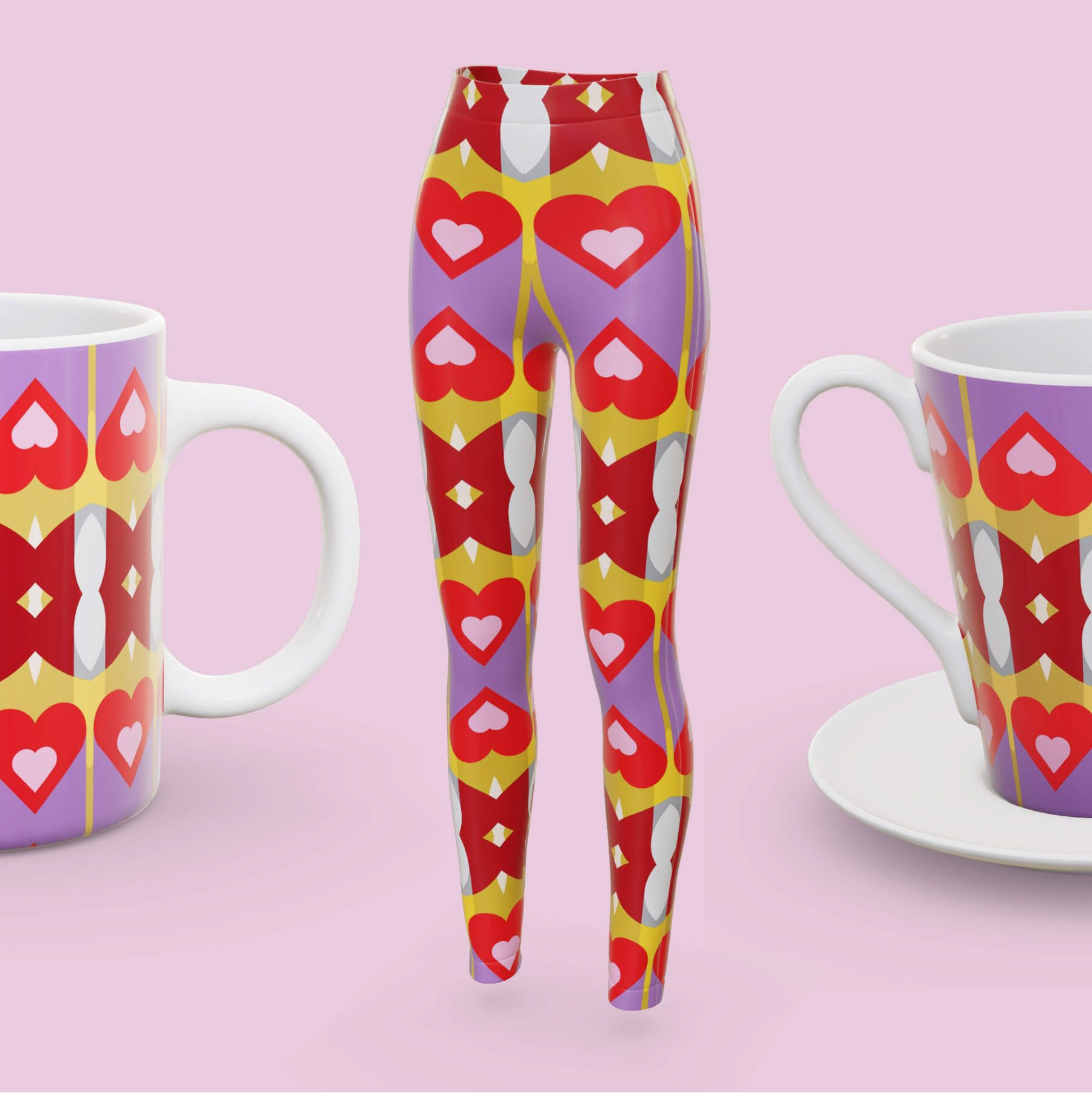
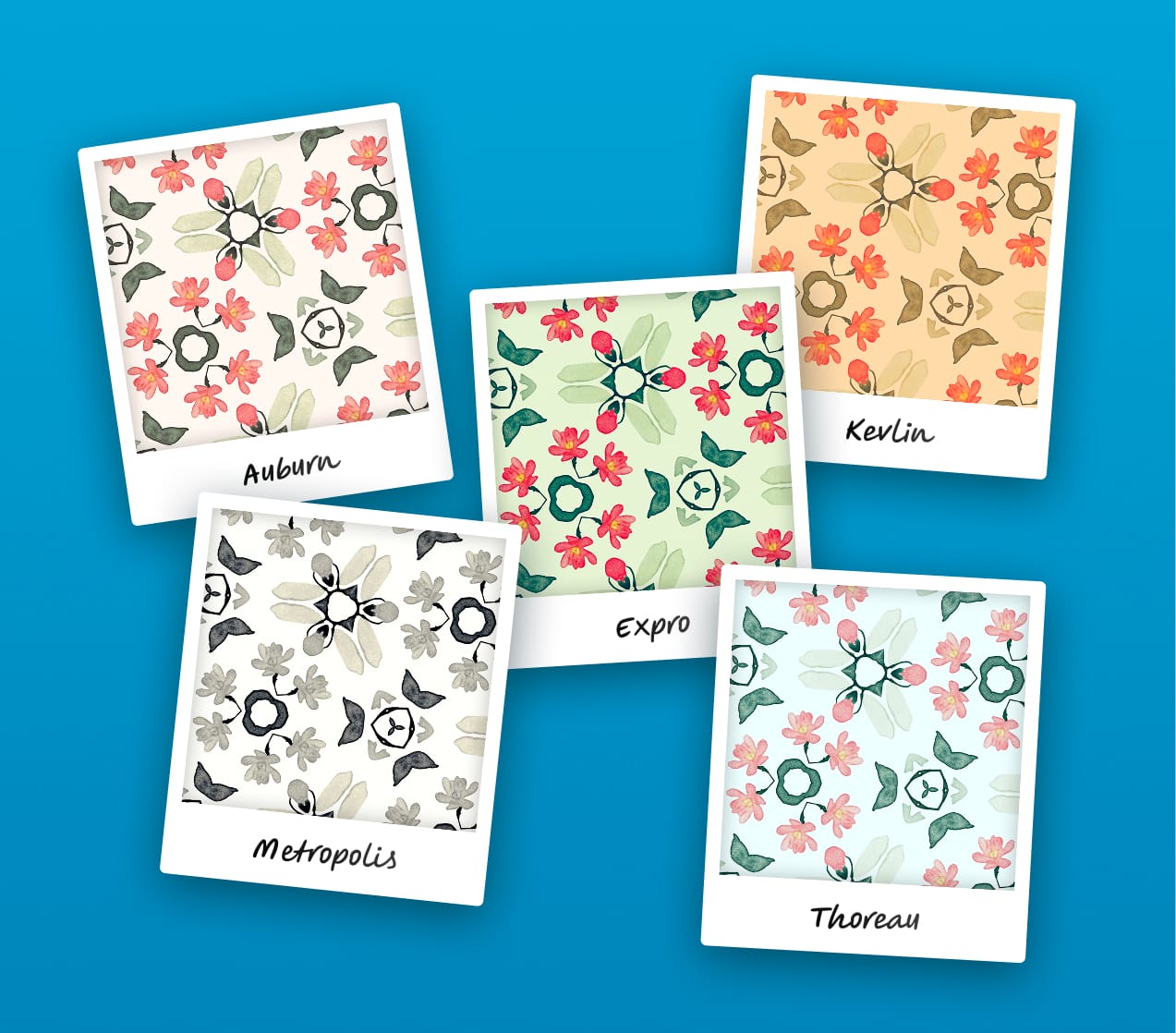
Repper already comes with a range of color effects: duotone, gradient, black & white, and color adjustments. We've now released photo filters, the latest addition to your pattern toolbox!
How it works
Digital photo filters are inspired by analog film photography and were made popular by Instagram. They're awesome because they give your image a new mood with the click of a button.
At a glance, it may look like photo filters simply shift the color, but there's a lot more going on to create that film-like look. Behind the scenes, there is a "color cube" that translates your original colors to a new set of colors. This makes the filter very precise and allows it to do things like shifting all dark reds towards blue or making all yellow highlights more orange without affecting other highlights.
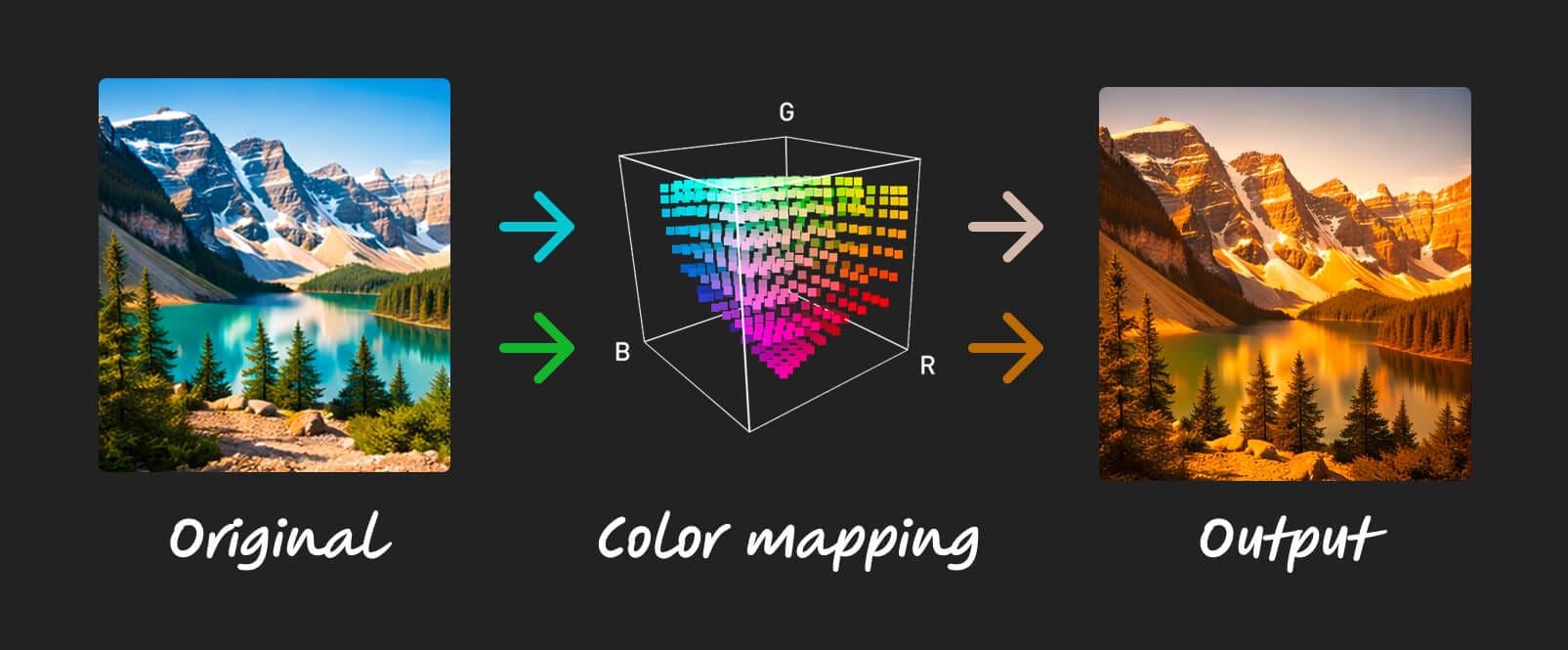
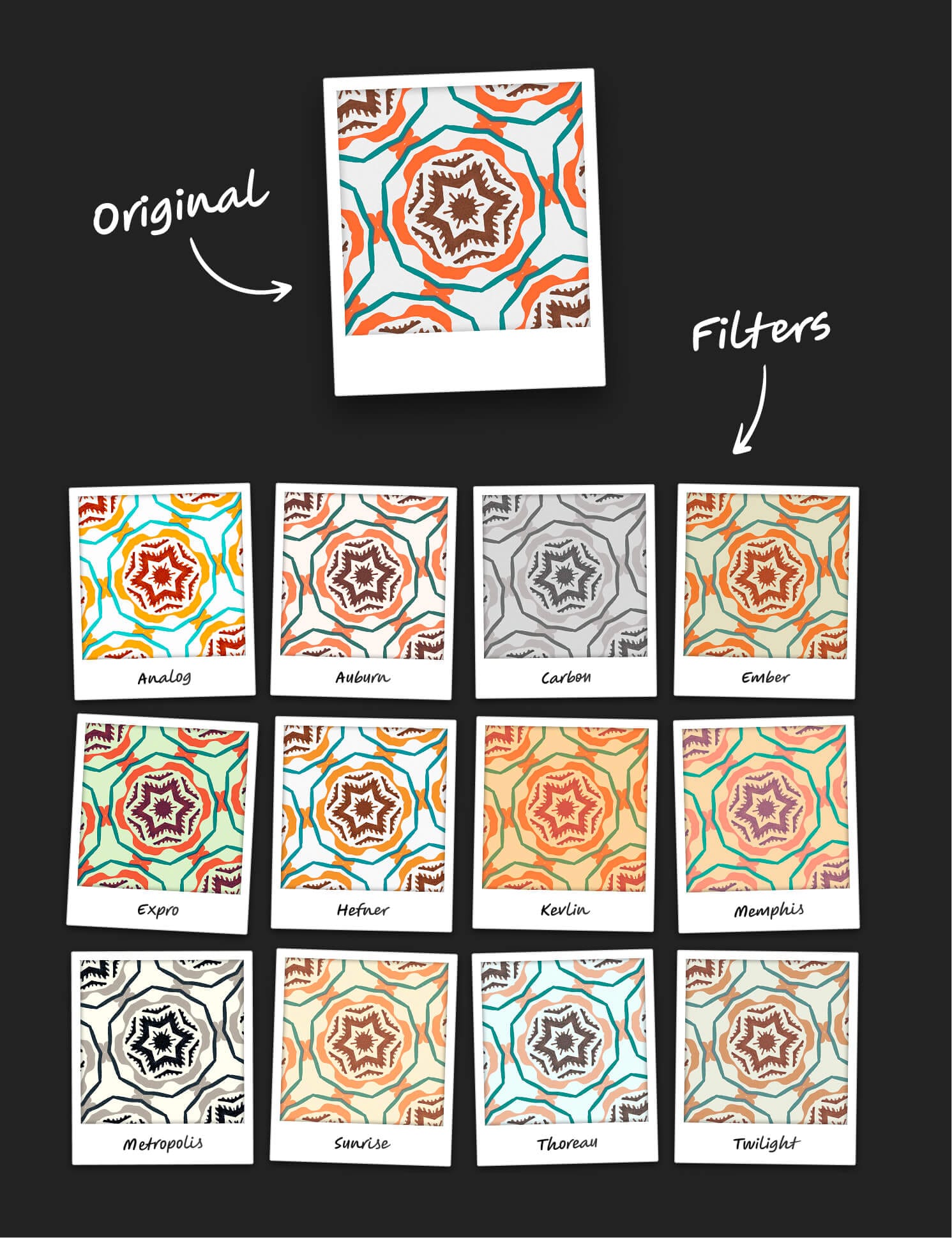
With this release, we're introducing the first set of 12 carefully selected filters. They are inspired by Instagram classics like Perpetua and Mayfair, though under different names because of trademarks™. If you are a long-time Instagram user, you may recognise some!
Here are all 12 of them:
Adjust the filter
Is the effect a bit much for your taste? Just reduce the amount of effect to create something in between your original and the filter:
Combine with other effects
The photo filter works great with other effects. For example, use the Color Adjustments to tweak how much the new colors express themselves across the pattern. This video shows how that works:
Wrapping up
That's it for today! You can find the photo effect under the "Effects" tab, so jump into Repper and try it yourself.
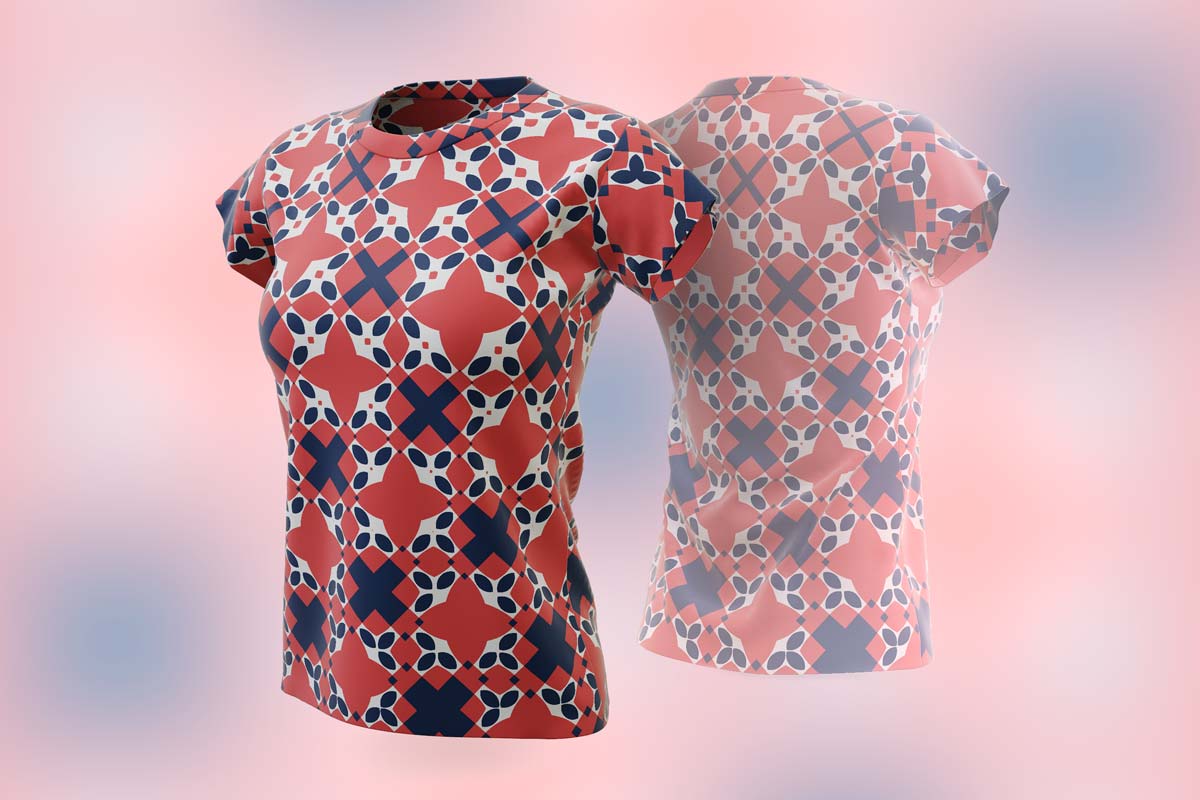
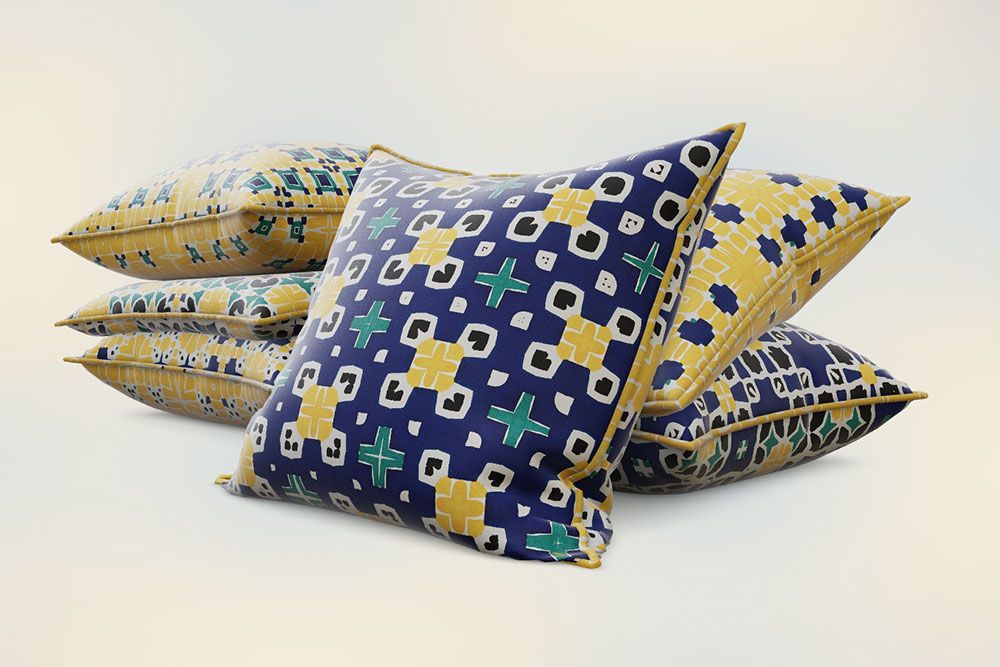
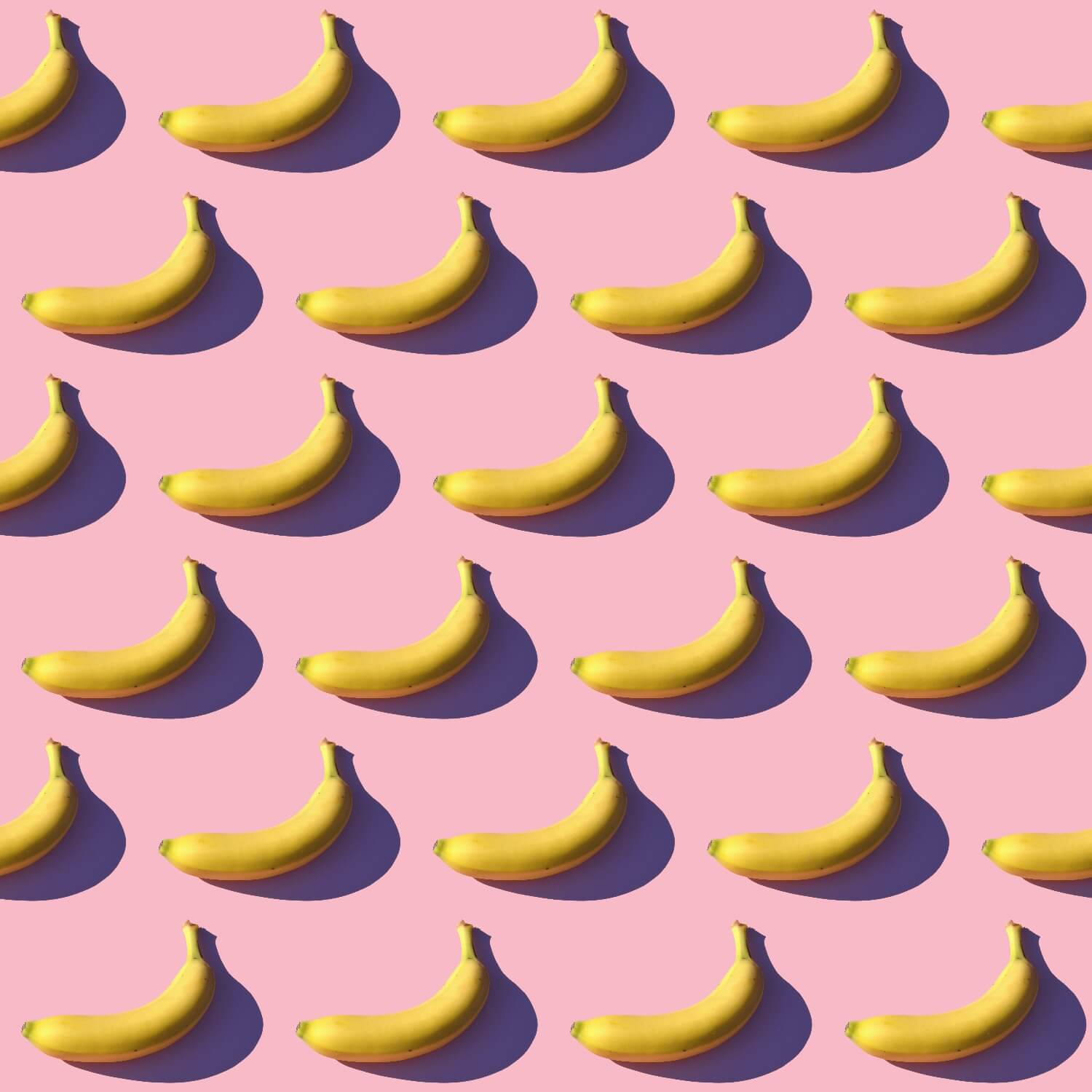
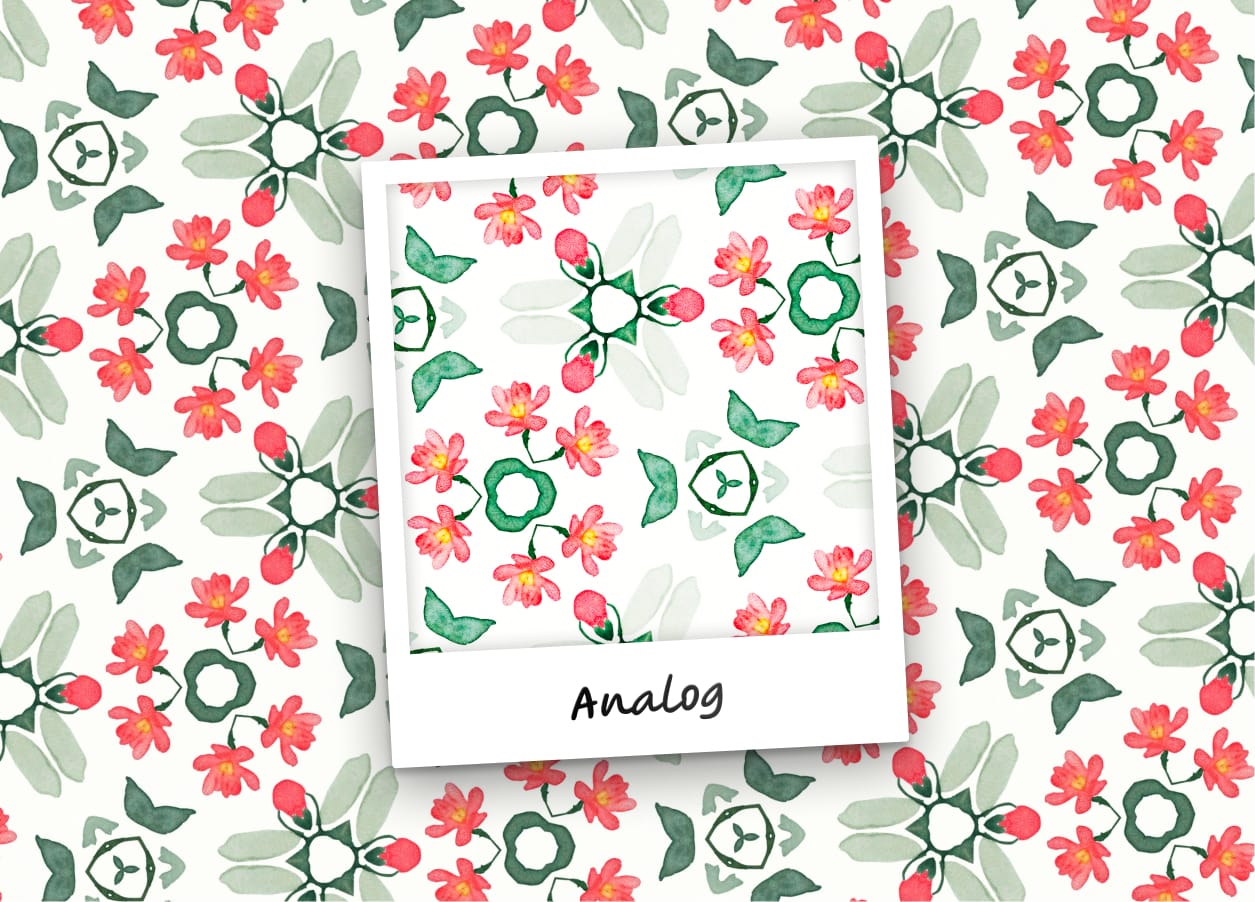
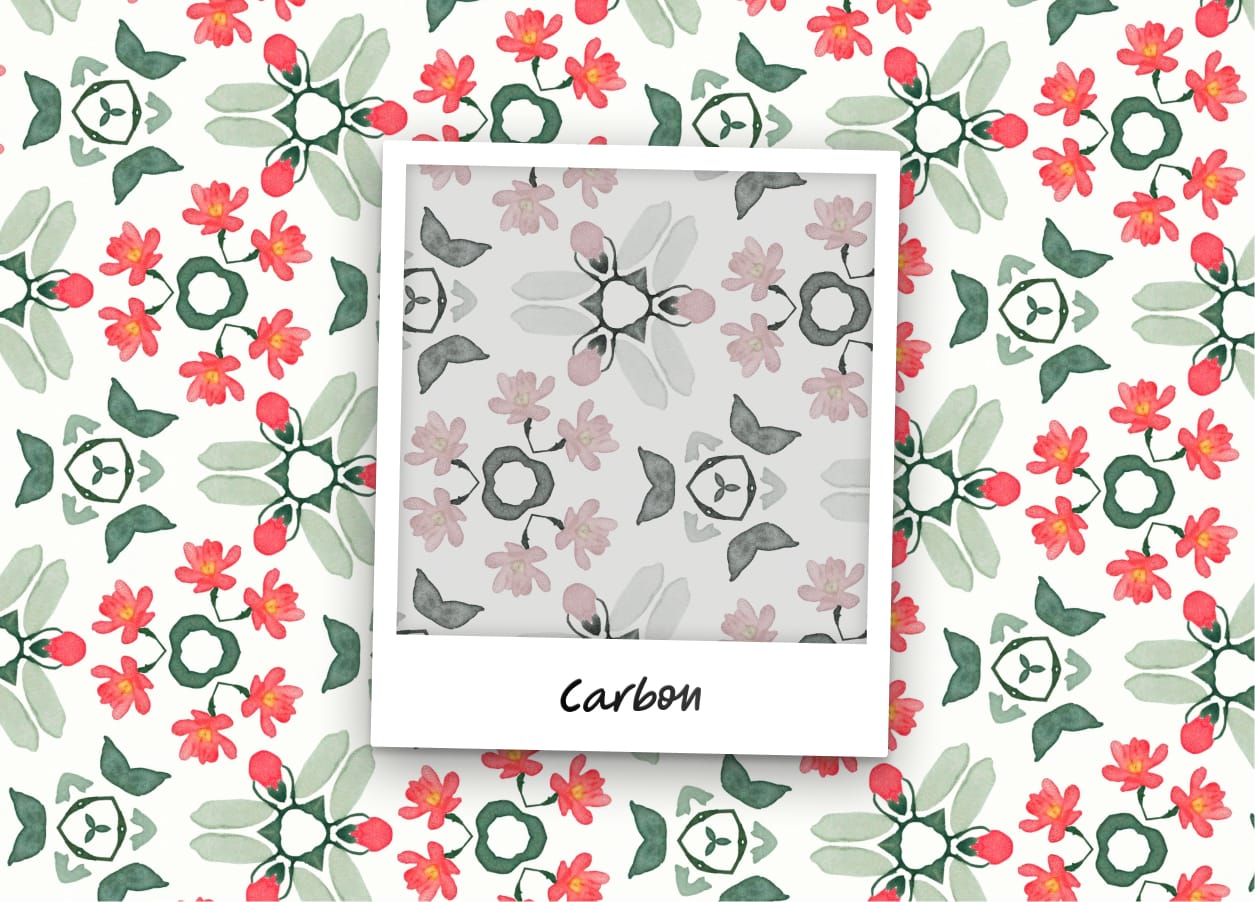
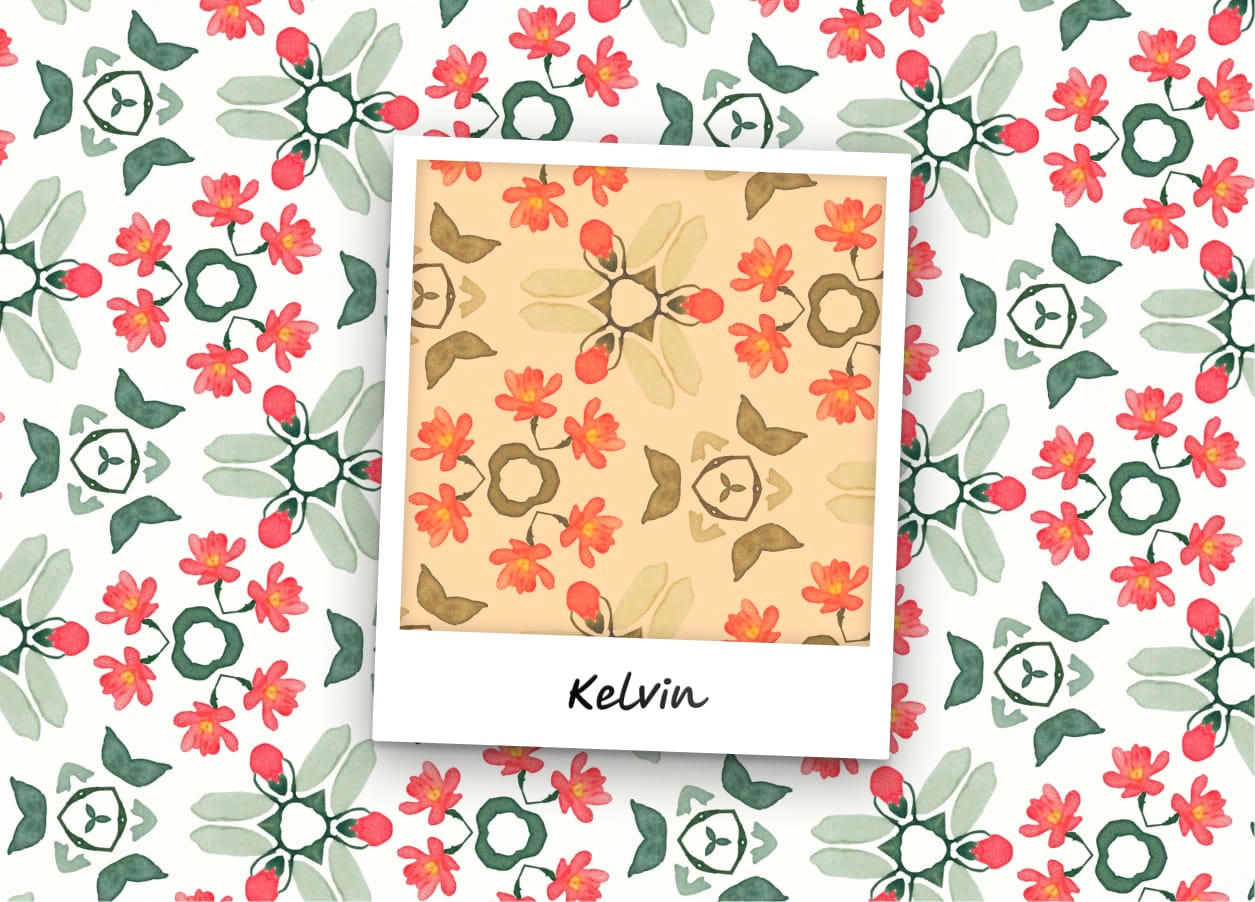
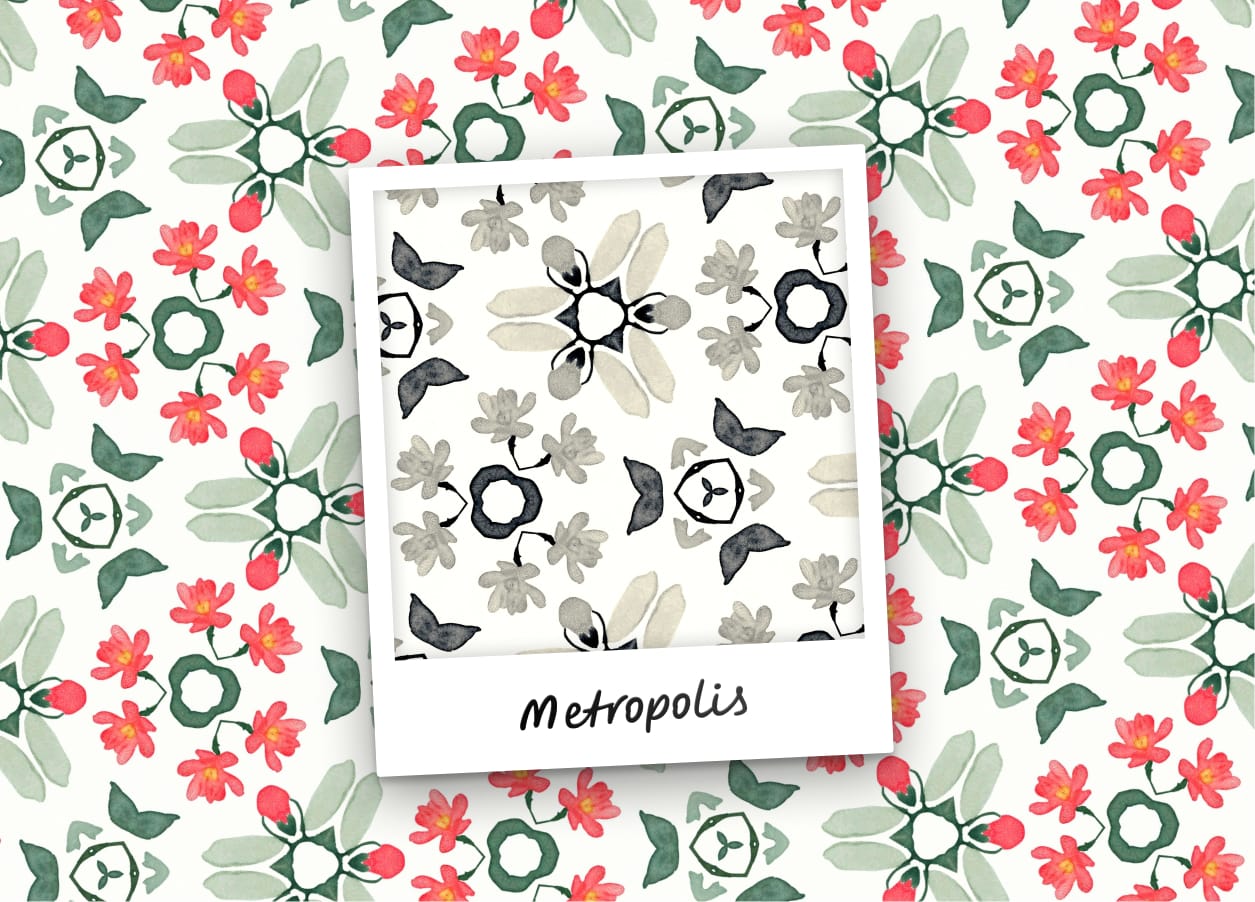
Here are a few more examples for your enjoyment 😊
Make beautiful geometric patterns with Repper
Instant results · 14 days free access · No strings attached
Create your own pattern